

EMIS Unit, Thapathali Campus
Campus IT help, at one counter.
WiFi, campus email, ID cards and letters, club mailboxes and domains. Send the request here; the EMIS Unit verifies it and replies to your email.
Campus systems
The platforms the EMIS Unit runs for the campus. All of them accept your campus email sign-in; the newer ones are marked.
- NewCampus PortalOne sign-in for routine, results, class materials, campus email, WiFi and student services.
- NewE-LibrarySyllabi, journal papers, reports and magazines of the campus, open to read and search.
- NewService StatusLive uptime of every campus system and a record of incidents, the same feed as the bar above.
- NewExaminationInternal assessment marks, seating plans and published results.
- RoutineClass routines for every programme, section and teacher.
- LibraryThe campus library catalogue (Koha): search, loans and renewals.
- JournalJournal of Innovations in Engineering Education, the campus research journal.
- Main Websitetcioe.edu.np: notices, departments, admissions and everything about the campus.
Every desk, by name
Each request has its own form and its own promise in the service charter. Pick the one that matches what you need; if none fits, write to [email protected].
Accounts
- Reset campus email passwordA temporary password is sent to your recovery address after the EMIS Unit verifies you.
- Add a recovery emailSet the personal address that receives password resets for your campus account.
- WiFi accountCreate or fix your WiFi login and download the certificate for your device.
- AI service (GitHub Copilot)Join the campus GitHub organization for Copilot and AI credits on your @tcioe.edu.np account.
Letters and cards
Clubs and units
How a request moves
- 1
You send the request
Fill the form here. You get a receipt by email straight away.
- 2
The EMIS Unit checks it
We match the details and the ID card photo against the campus record during office hours.
- 3
You get the result by email
A temporary password, a PDF or a decision, with a note if anything is missing.
The EMIS Unit will never ask for your password by email or phone. Every message about your request comes from an @tcioe.edu.np address and names the request you made.
Rather talk to someone?
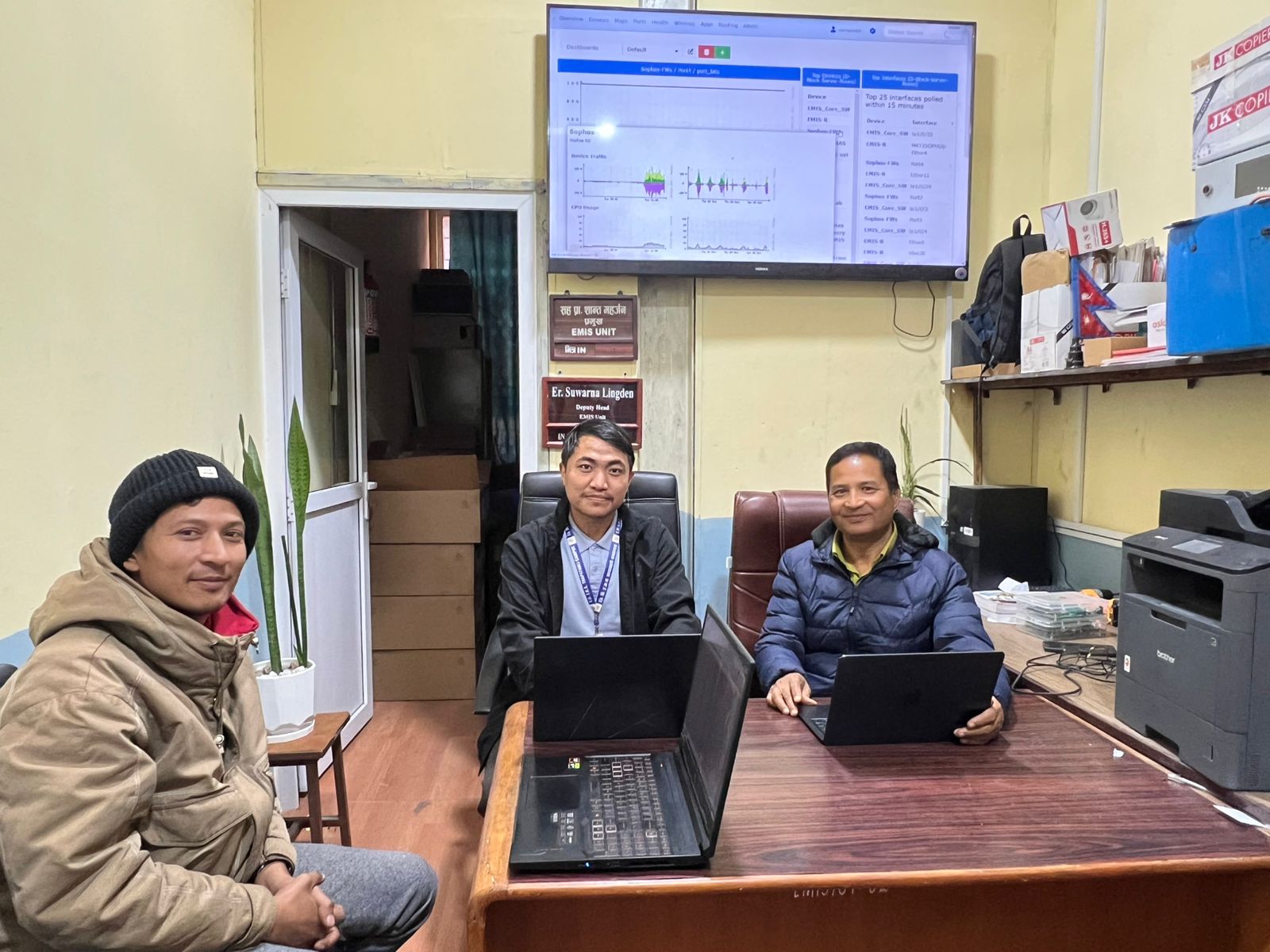
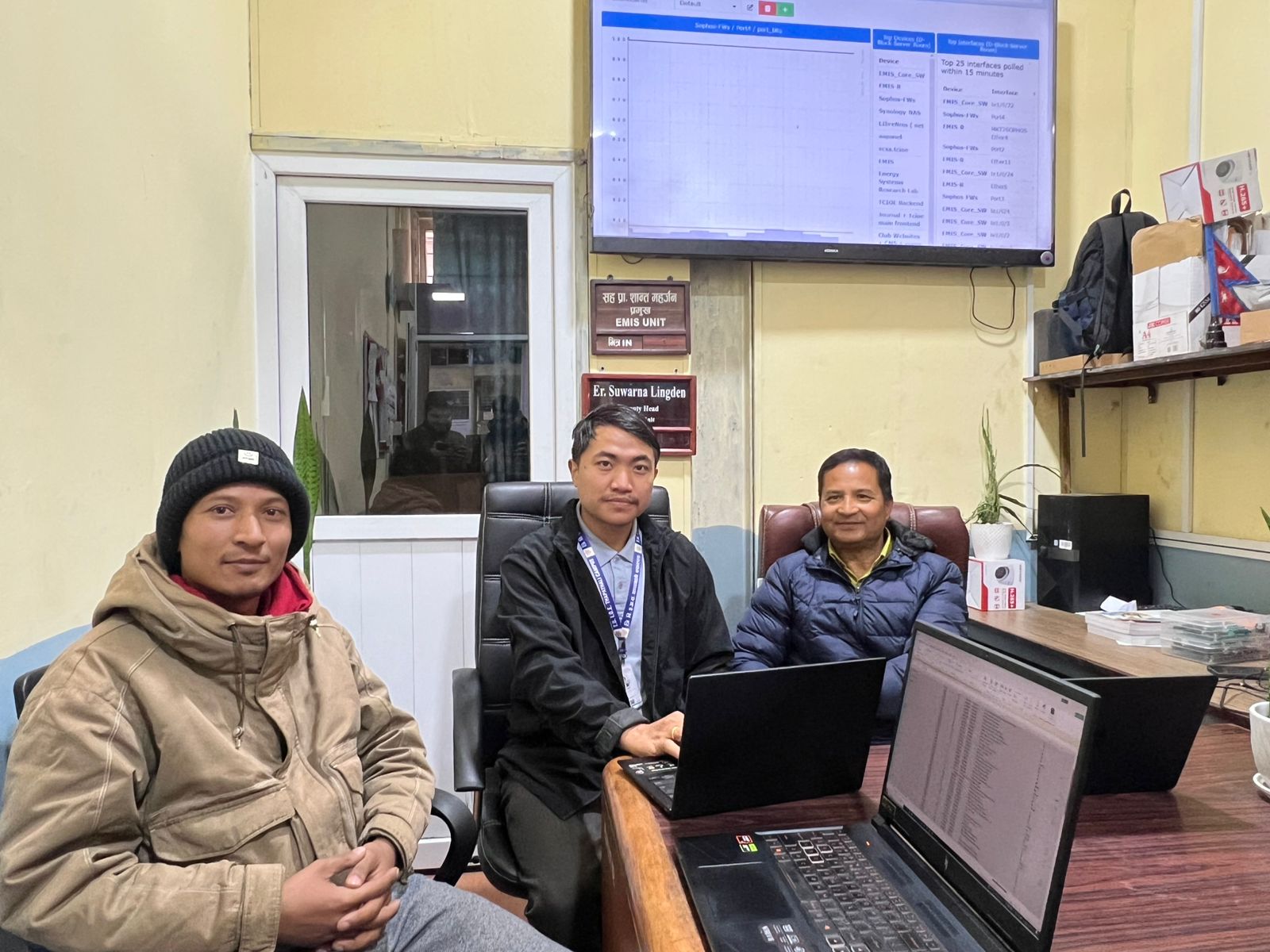
The EMIS Unit sits in the campus IT room. Bring your ID card; most account problems are fixed on the spot during office hours, Sunday to Friday.